Before you start
What bodop does

Setting up bodop
Six steps to set up, about five minutes. The seventh is what you do from then on.
Setting up is quick. The part that matters is step 7 — scanning your reports and checking what bodop read. That’s the whole reason this beta exists, and it’s the only thing that produces a number we can stand behind.
Install the extension
Open chrome://extensions/, reload bodop to get the newest version, then skip to step 02.
- Open this link in Chrome:
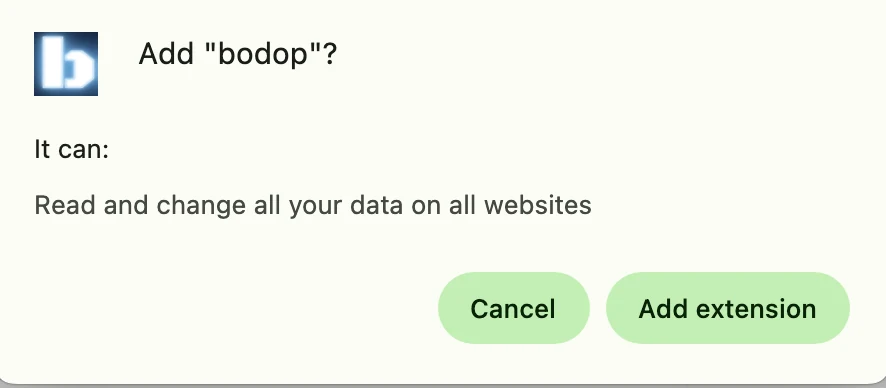
chromewebstore.google.com/detail/bodop/… - Click Add to Chrome, then Add extension.
- Click the puzzle‑piece icon at the top right of Chrome, find bodop, and click the pin beside it so the icon stays visible. You will use it for every scan.
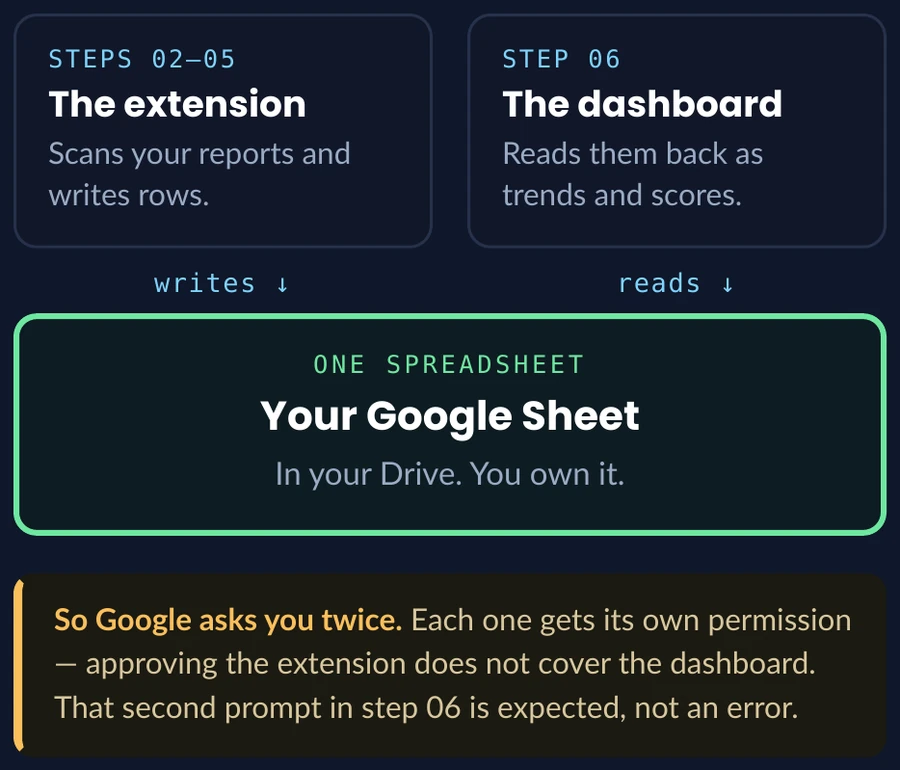
Worth knowing before step 02
Connecting bodop to your Google Sheet
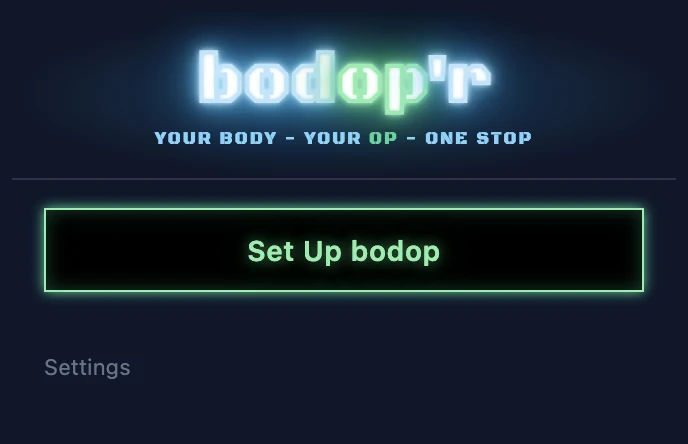
Click the bodop icon, then Set Up bodop
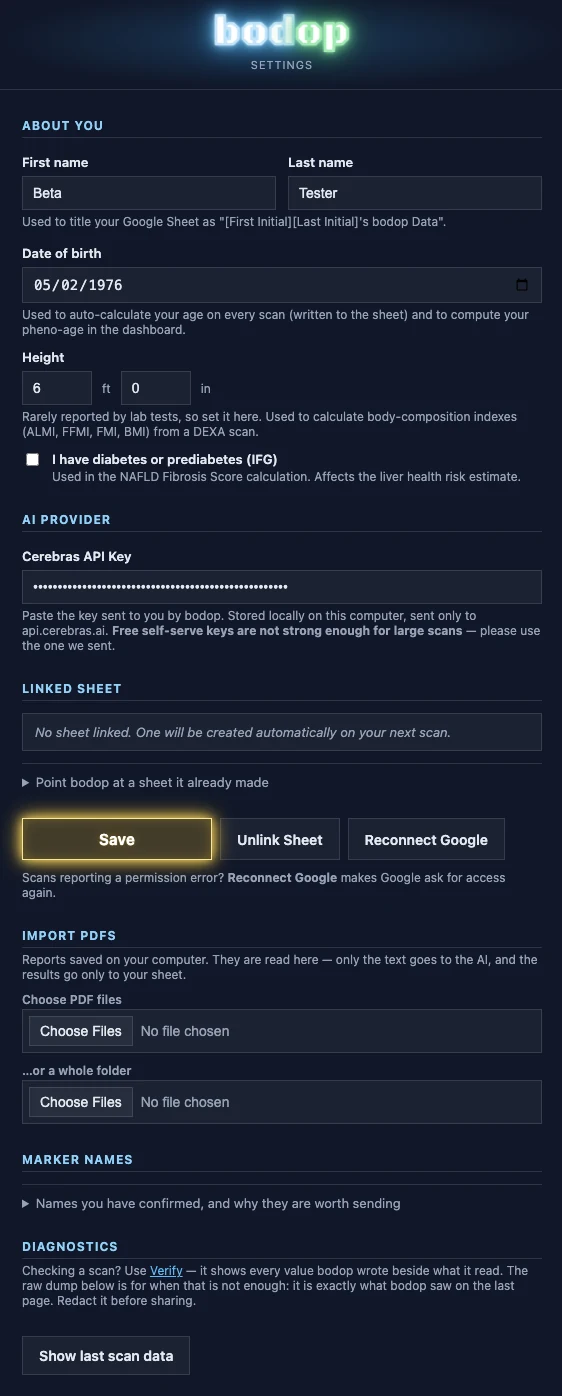
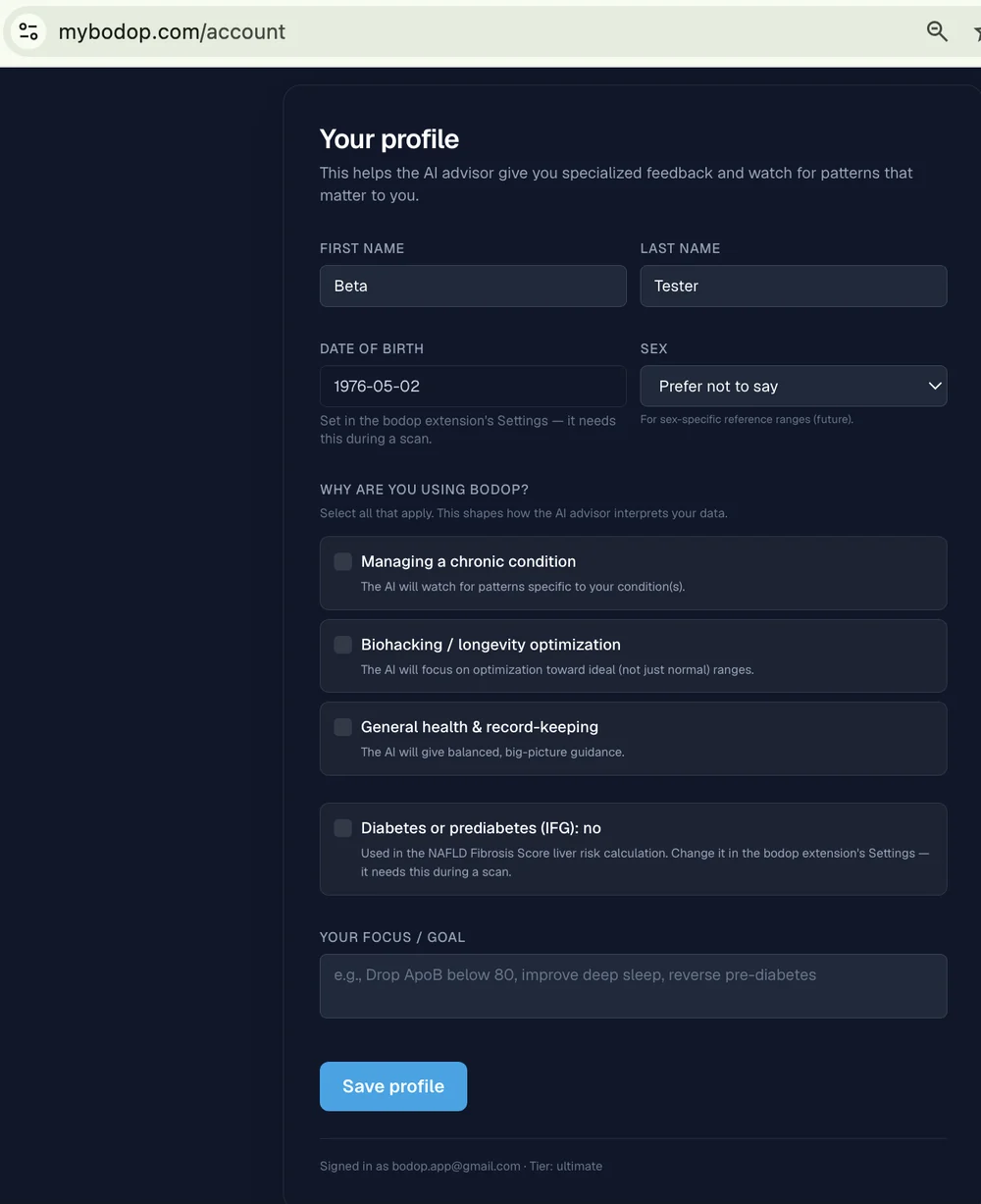
Fill in your details, then Save
Your date of birth and height are what your age, pheno‑age and body‑composition numbers are calculated from. Paste the key we emailed you.
There’s a second, separate profile on the dashboard in step 06. Filling in both is expected.
Connect Google Sheets
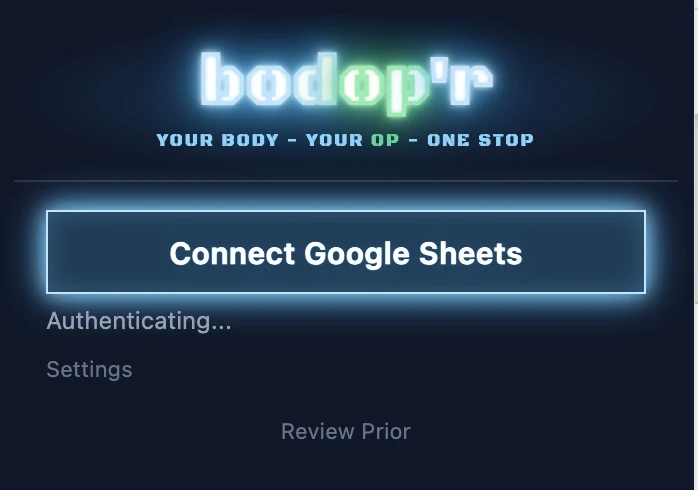
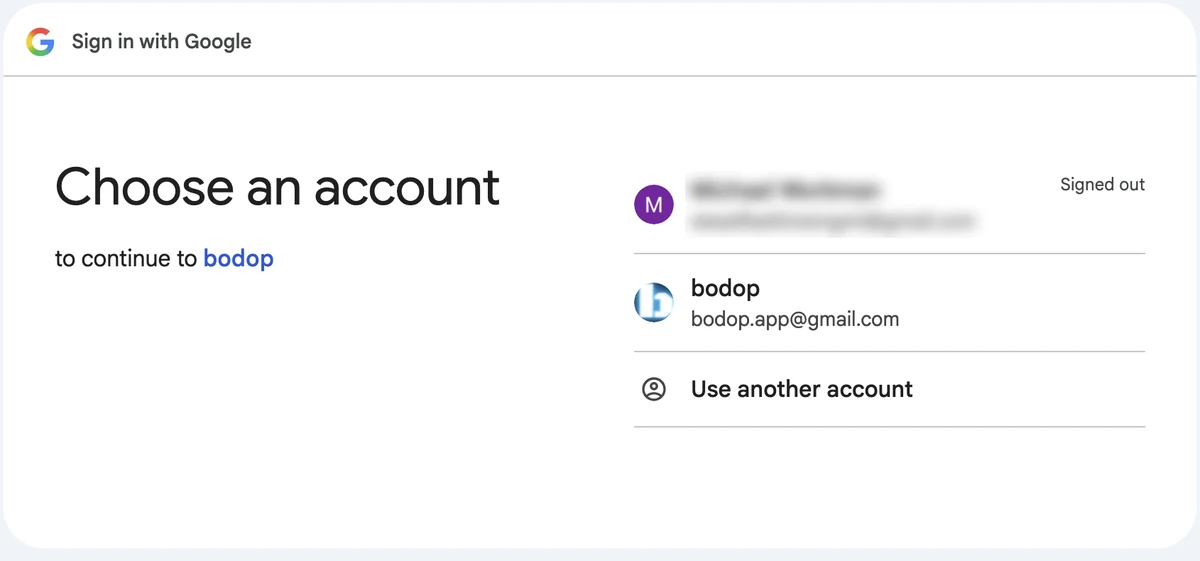
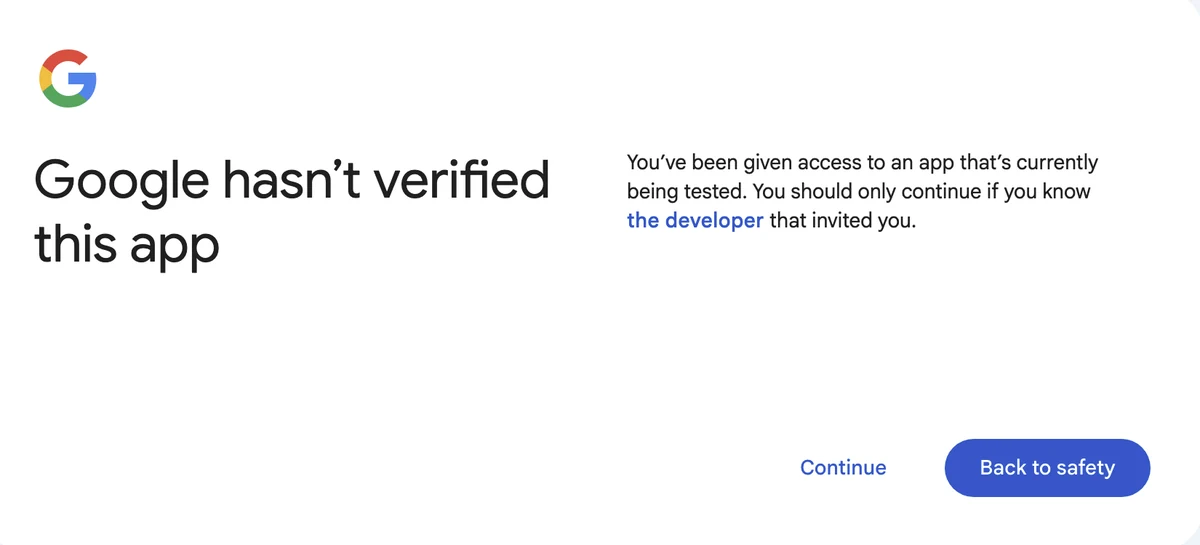
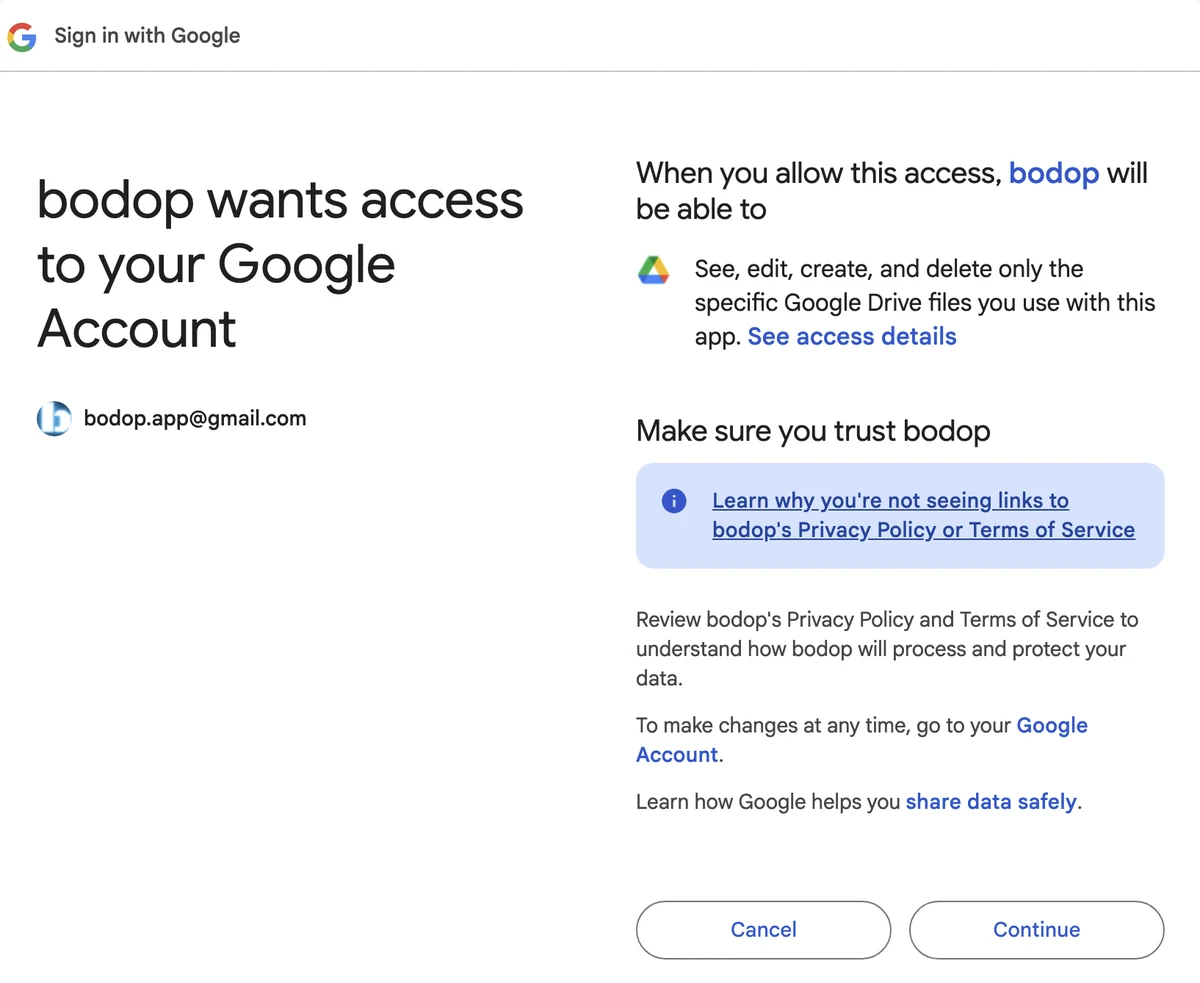
Click the icon again, then Connect Google Sheets. Google then walks you through three screens in a row — choose your account, then Continue twice. There is nothing to decide in between.
If nothing seems to happen, check your other windows.
Open a lab result and click Scan
Your spreadsheet is created by this first scan.
You’ll see it right beside Scan. It works — but it opens dozens of reports in one run, and there’s no practical way to check dozens of reports carefully. Precision is the one thing I’m measuring right now, and a pile of unverified numbers can’t be measured. Once the accuracy figures are where they need to be, I’ll ask you to use it deliberately.
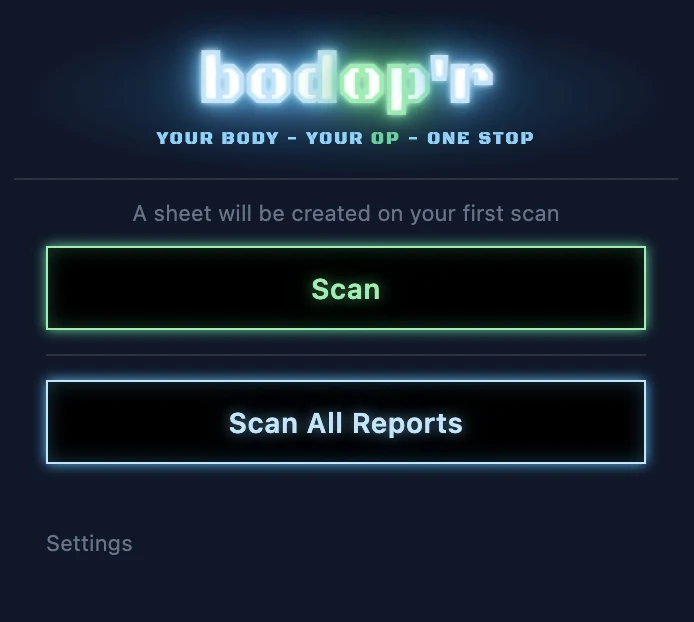
Click See your dashboard
Make your account, and allow Google once more — the website keeps its own permission, separate from the extension’s. That second prompt is expected.
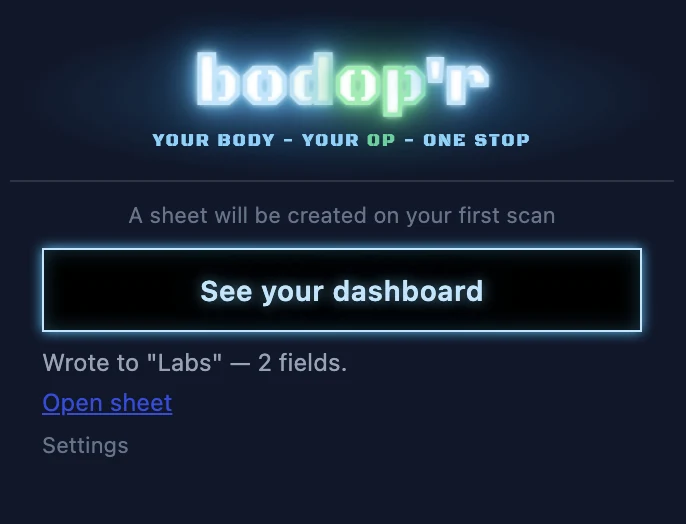
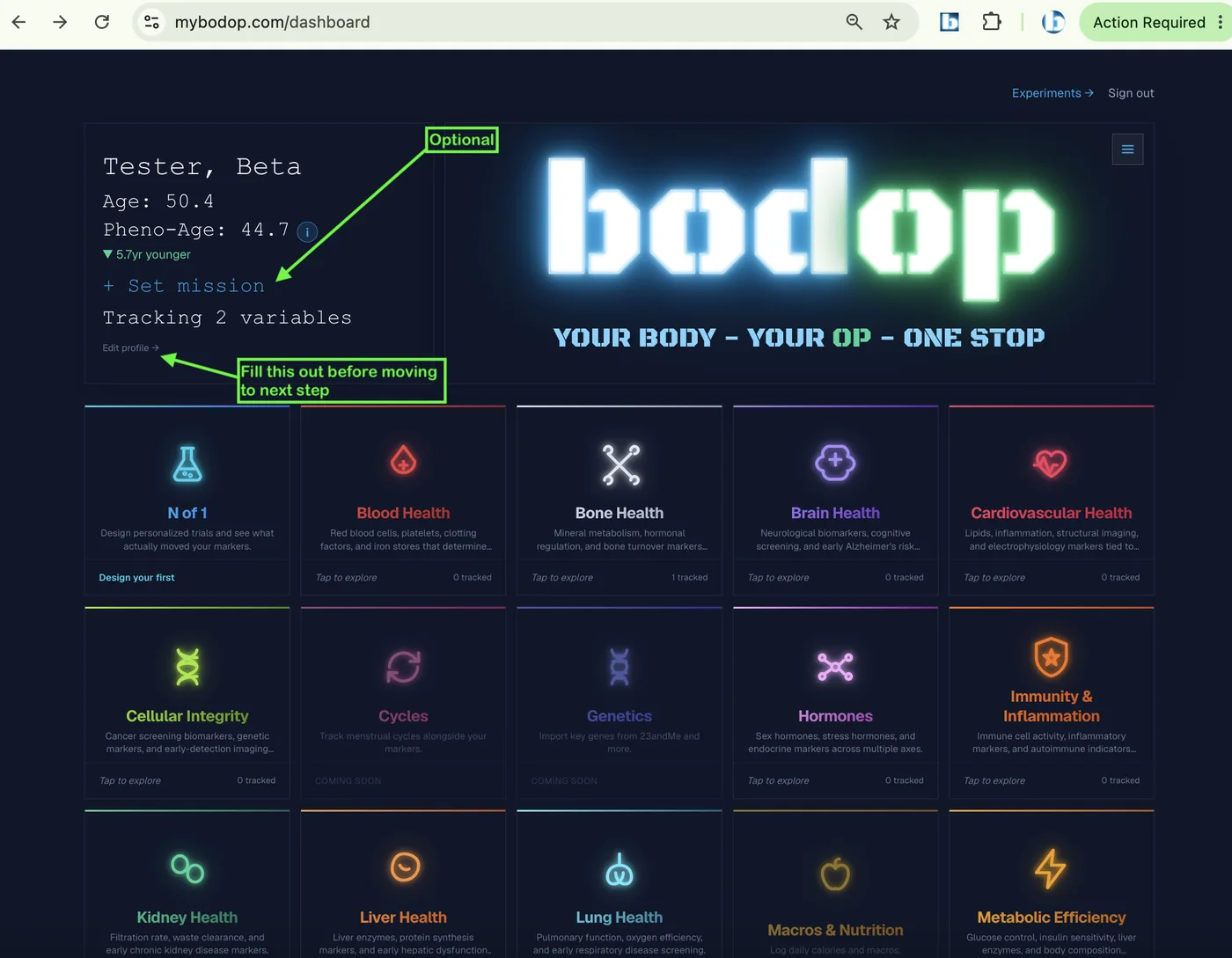
Keep scanning
This is the part that matters. Everything above was setup for it.
- Open another result and click Scan.
- When it finishes, click Verify.
- Put the window beside your report, fix anything wrong, add anything missed, then Save and record.
- Repeat for each report.
- Watch your dashboard fill up, and have a look round it.
- If a scan fails, email bodop.app@gmail.com and I will tell you what to do.
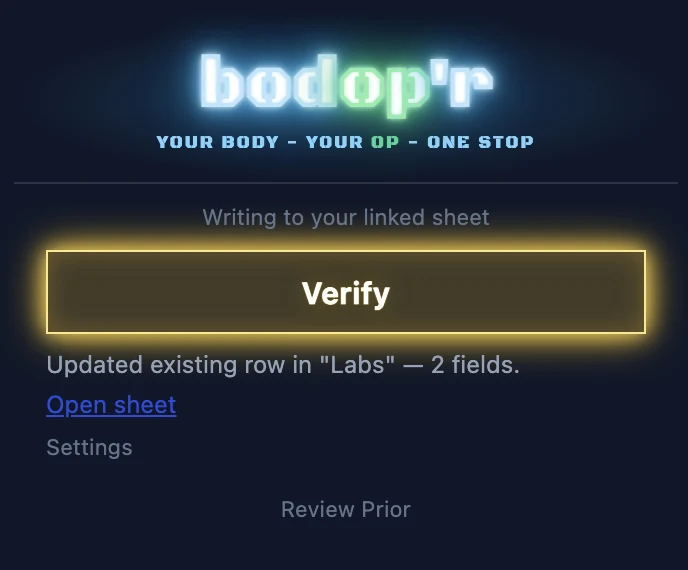
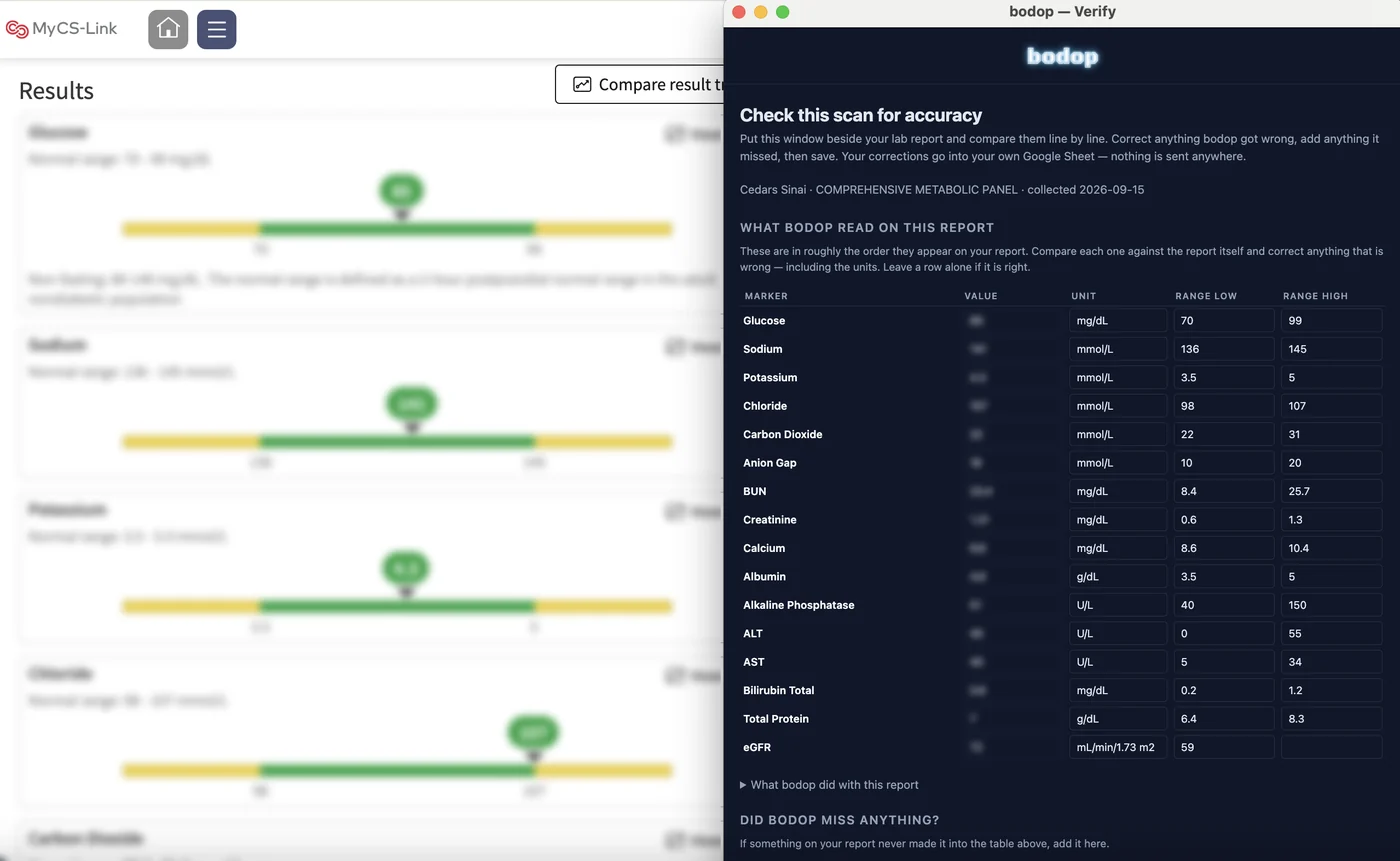
Every scan writes another row into your own spreadsheet.
bodop reads your reports with AI, and AI misreads things. I can’t catch those from my end; you can, because you’re holding the original report. Every value you check adds one observation to the count.
I need about 1,000 checked values across all beta testers before I can put a real error rate on this — not “it’s pretty accurate,” an actual measured number. A single metabolic panel is roughly fourteen values, so that’s on the order of ten reports each. More is better.
Something not matching these pictures?
mybodop.com/feedback.html · or email bodop.app@gmail.com
Terms & data handling: mybodop.com/terms.html